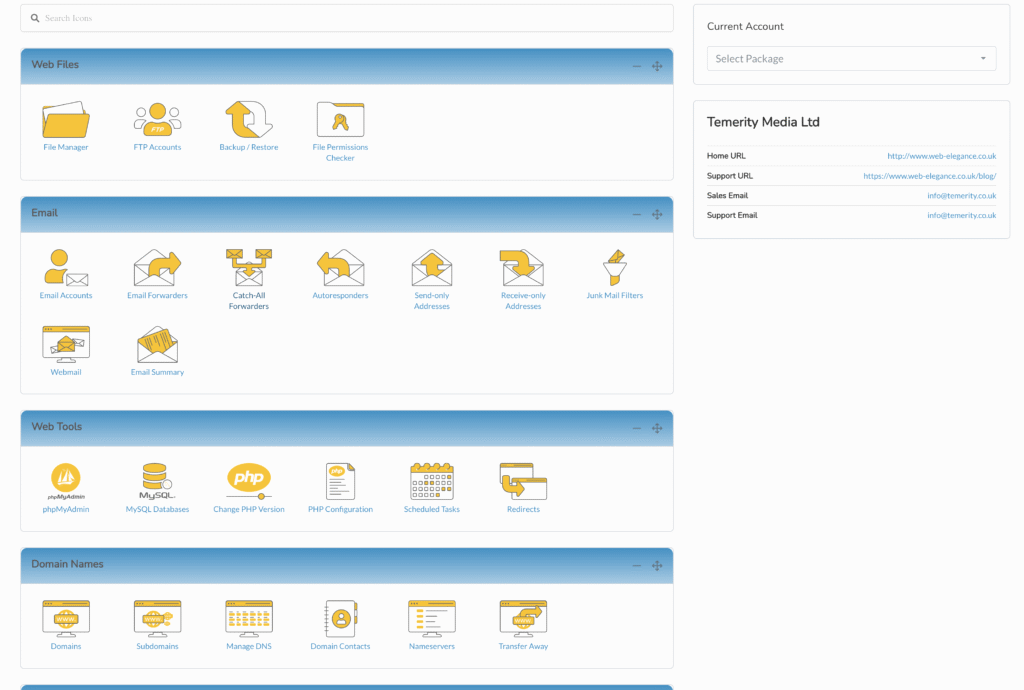
Go to https://cp.web-elegance3.uk/

Sign in by selecting ‘Client Area’
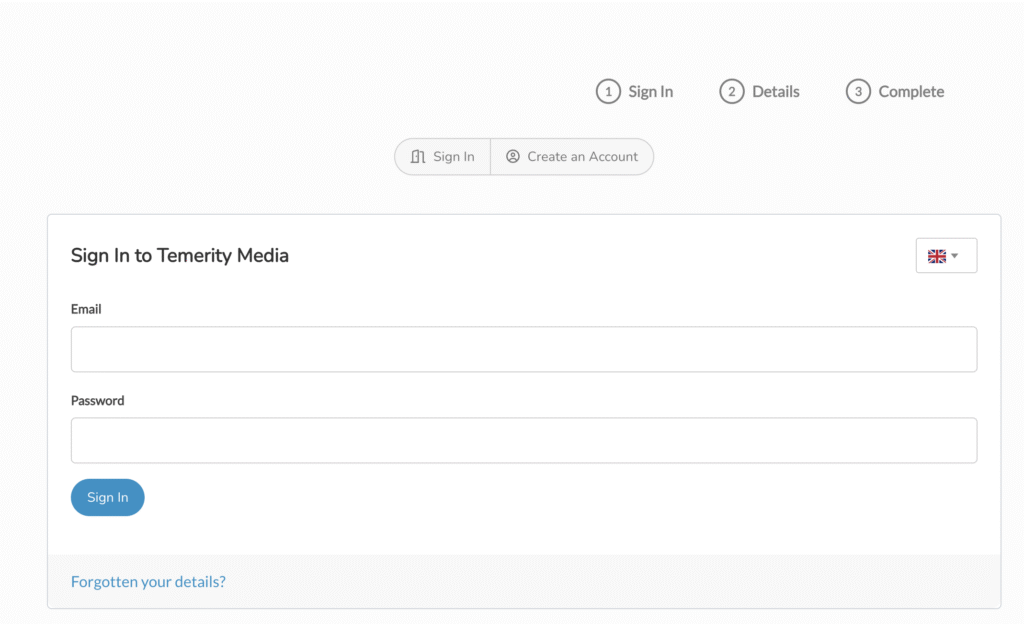
If you have forgotten your password, you can select the ‘Forgotten your details?’ link. You should be using a password safe. See this link for details.

Once logged in, you will be returned to the CP home page. In the header you will see your logged in name.
Click the down arrow to see your account management links
Click the ‘Client Area’ link again to go to your area
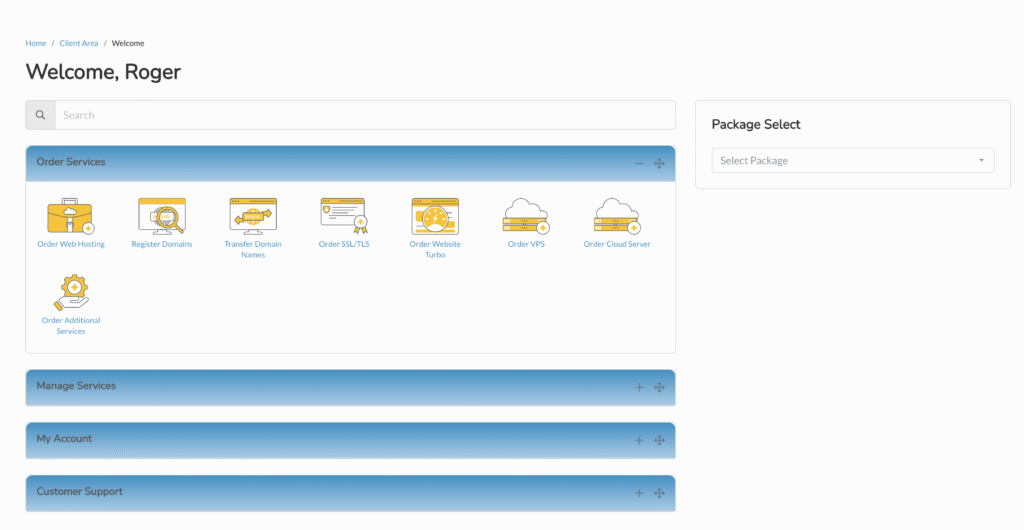
If you have multiple packages, go to the right to select the package, otherwise use the links in the expandable panels
Order Services allows you to add more services to your account. For example, you can add a new domain name or upgrade.
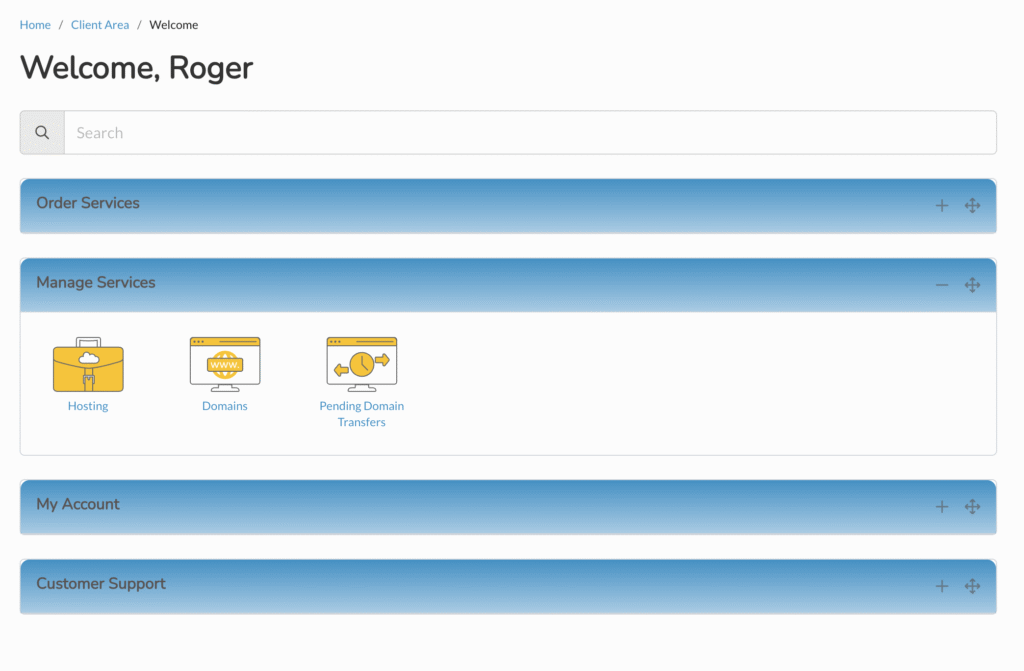
This second group allows you access to your hosted service. Click this to get to services such as file management or email. If you have more than one package, select this from the right side to switch.